Set up SIM card
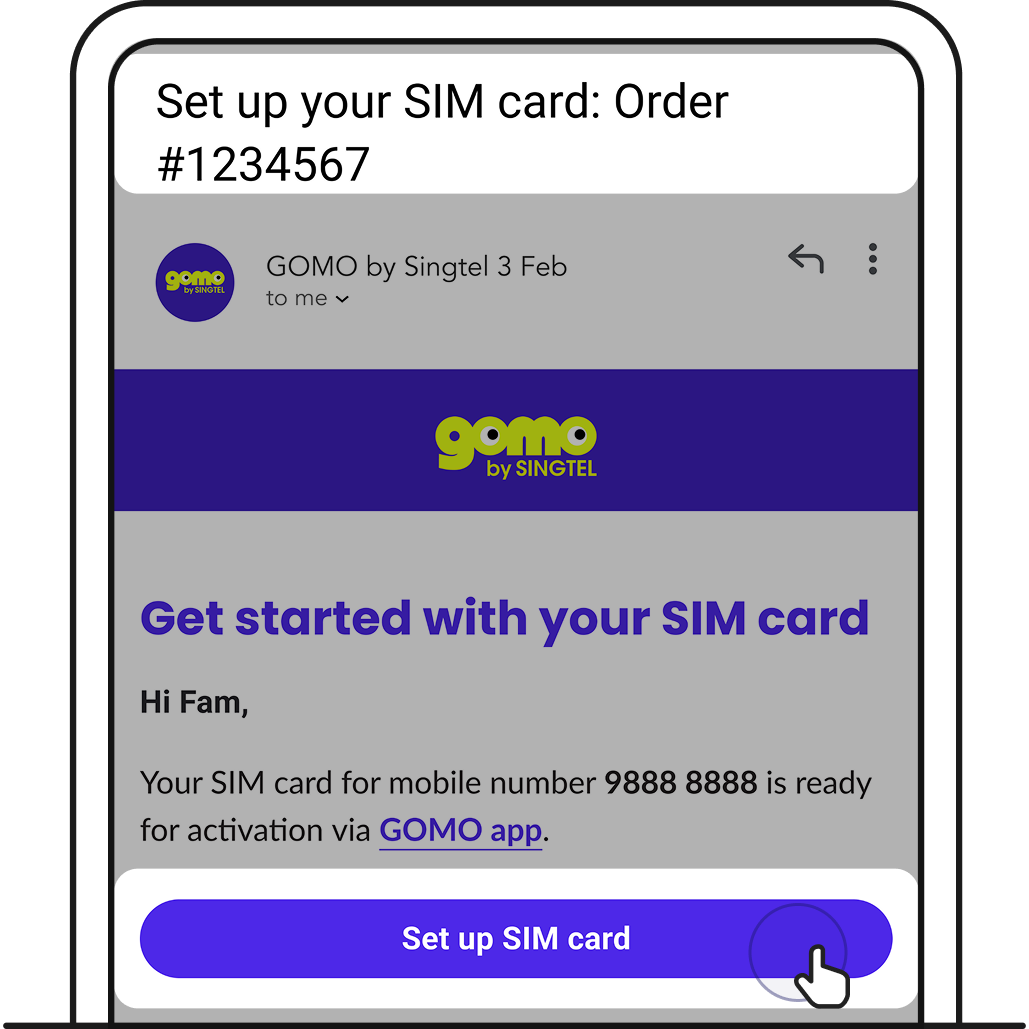
1. After receiving your SIM card, you’ll get an email to set it up. Tap Set up SIM card.
Did a port-in? You’ll be assigned a temporary GOMO number. Follow the same steps to set it up.
We’ll do a seamless switch to your mobile number after port-in completes, no other set-up is required.
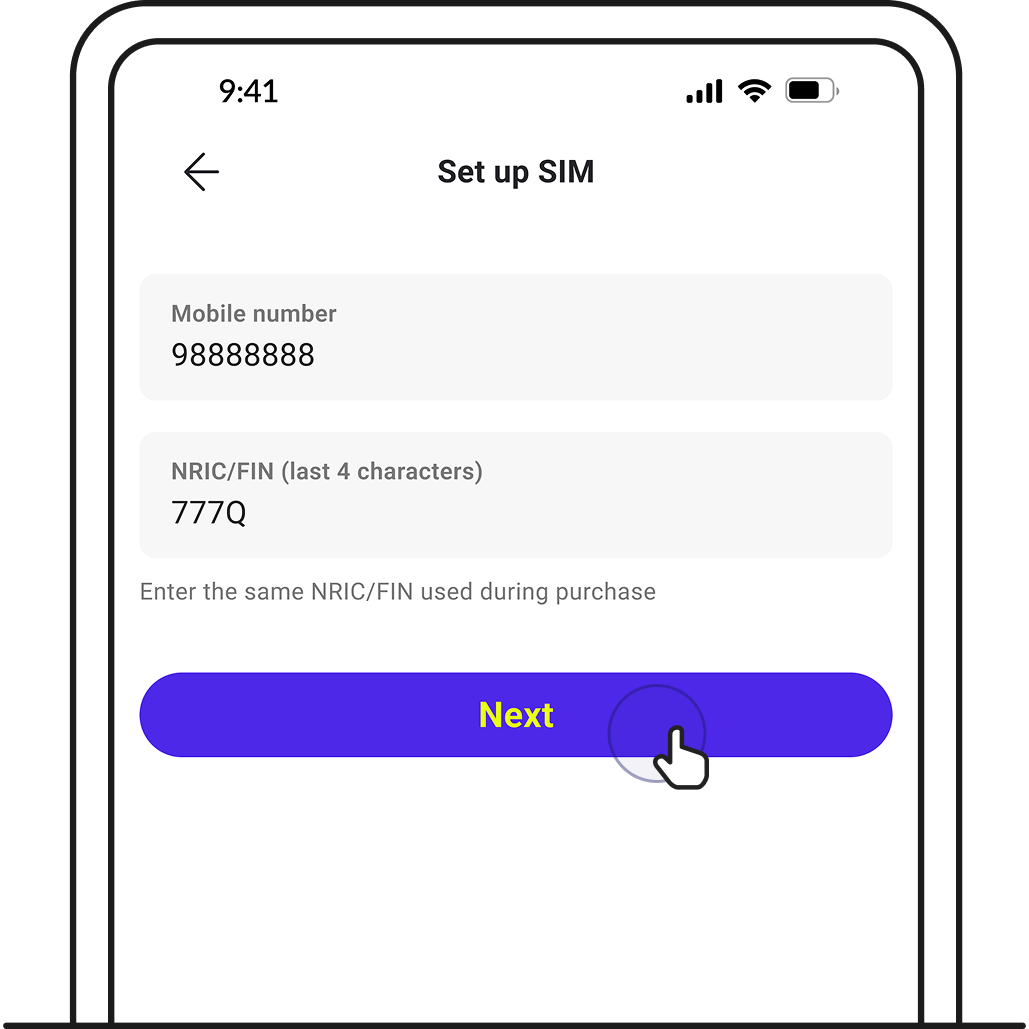
2. You’ll be brought to GOMO app. Enter your details and tap Next.
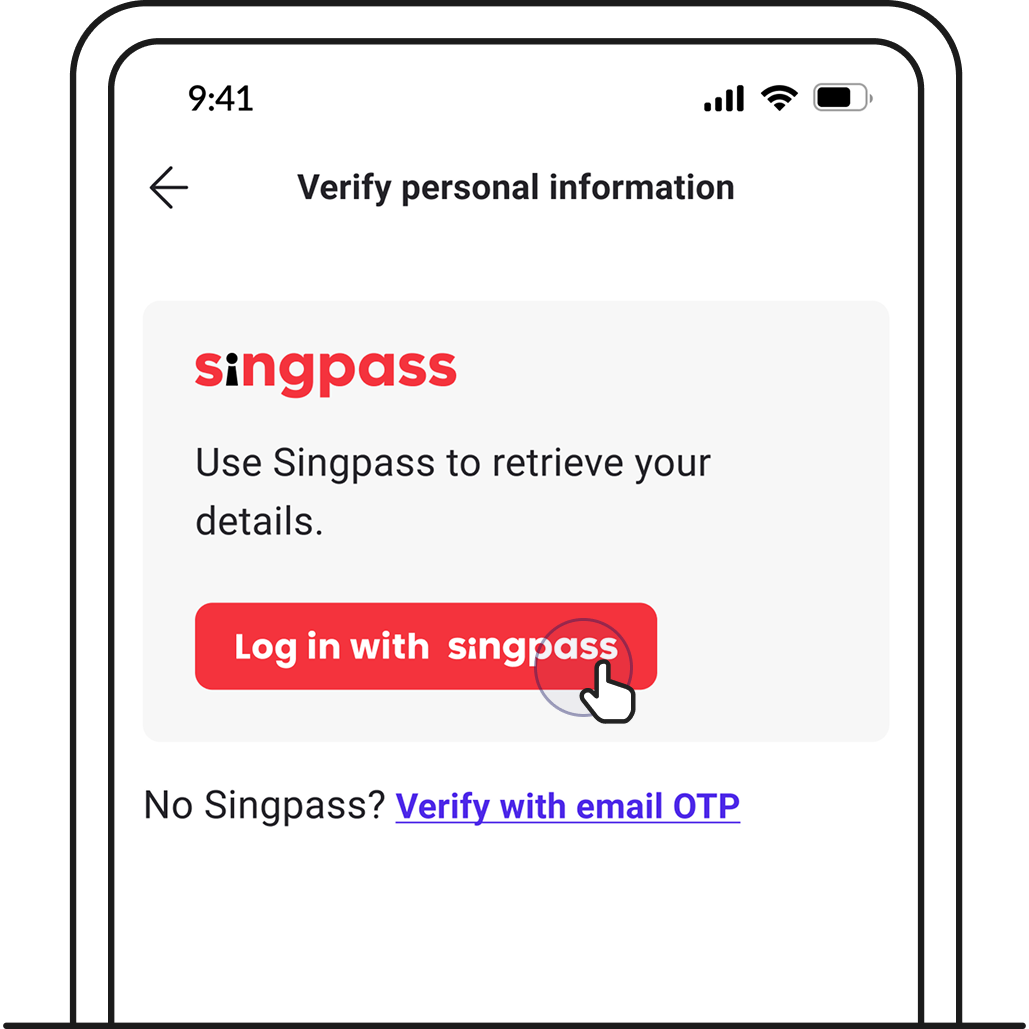
3. Tap Log in with Singpass to complete verification.
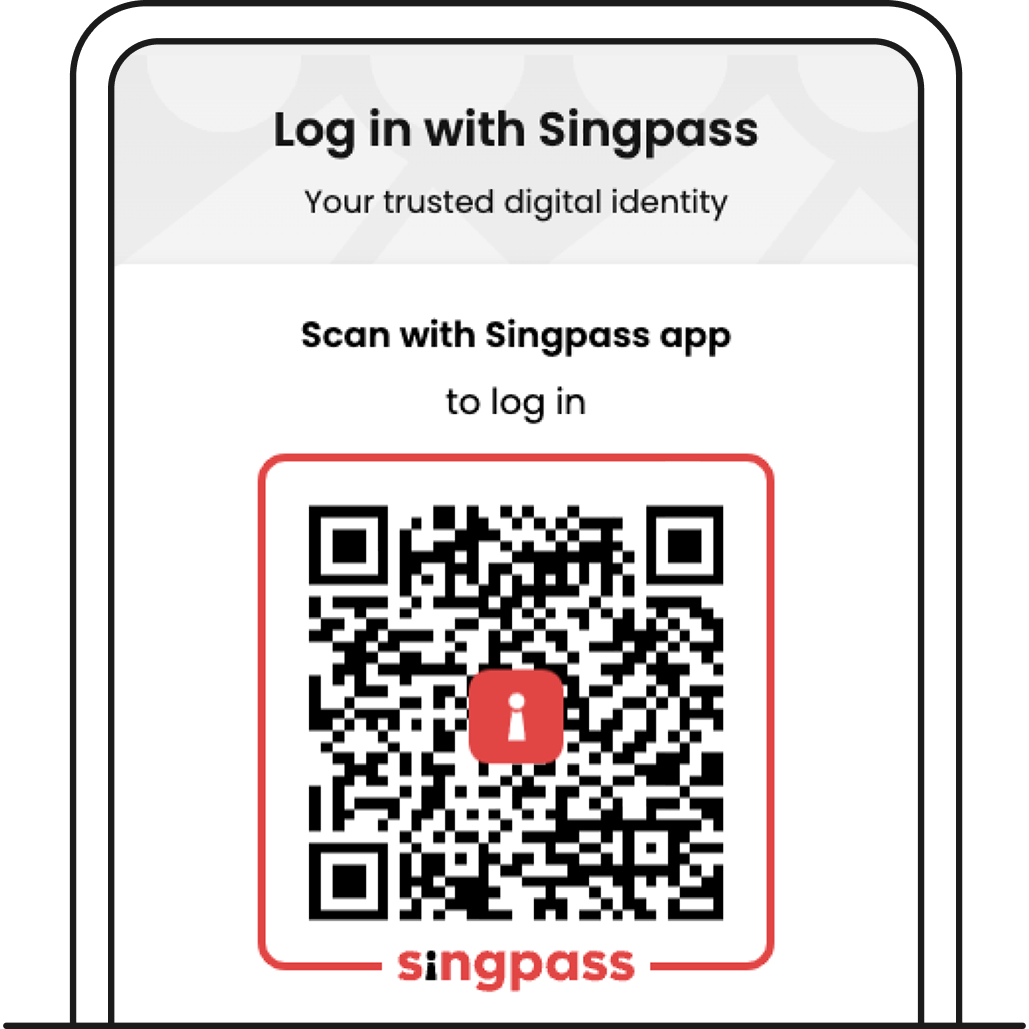
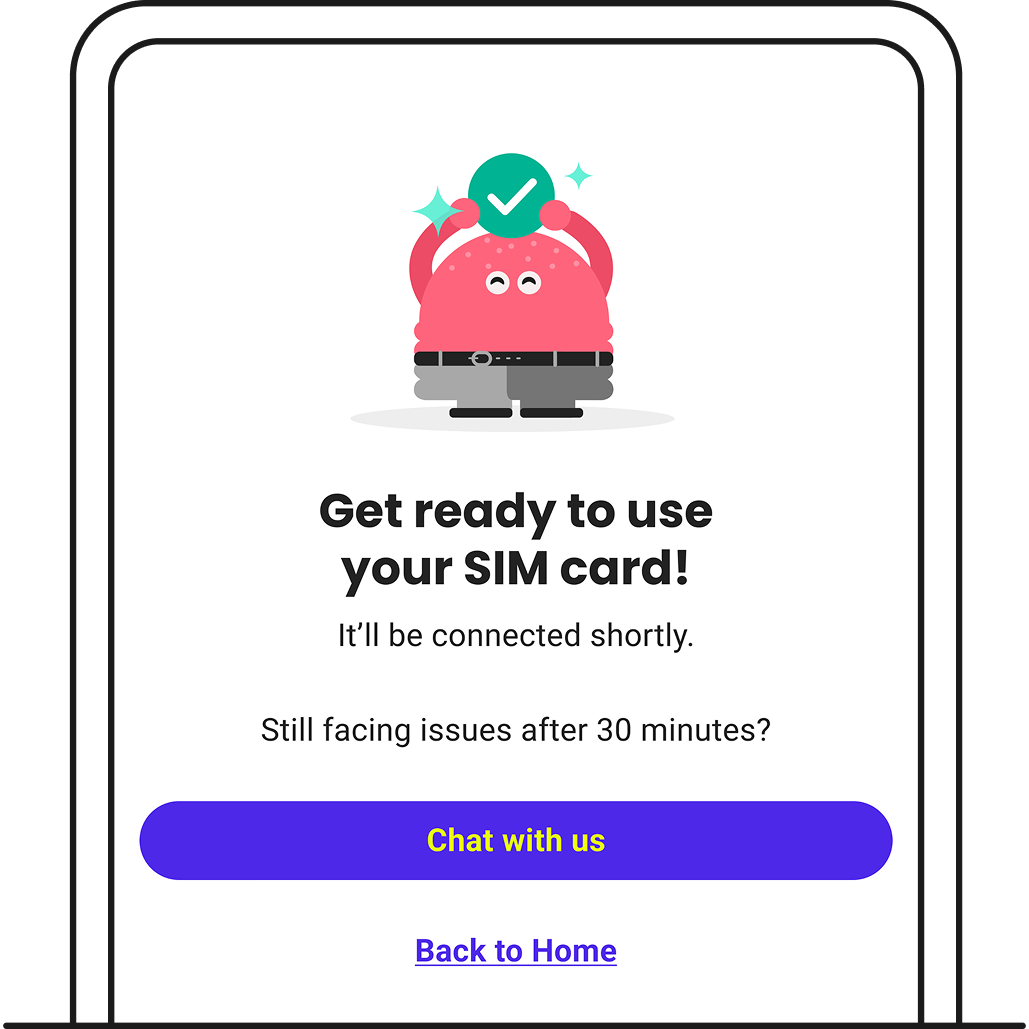
4. After verification, your SIM will be ready for use shortly.
Related articles
Didn’t find what you are looking for?
Ask Zenmo your questions.