Loading...
Lost your SIM or facing issues with it? Here’s how to request a replacement eSIM or SIM card.
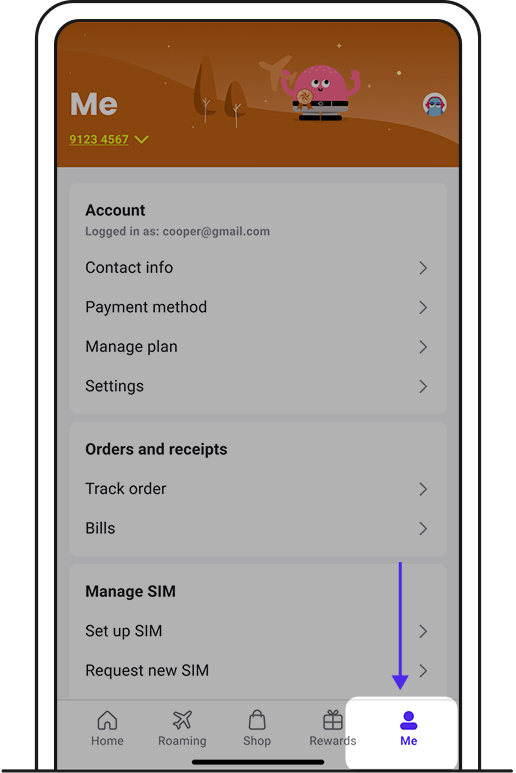
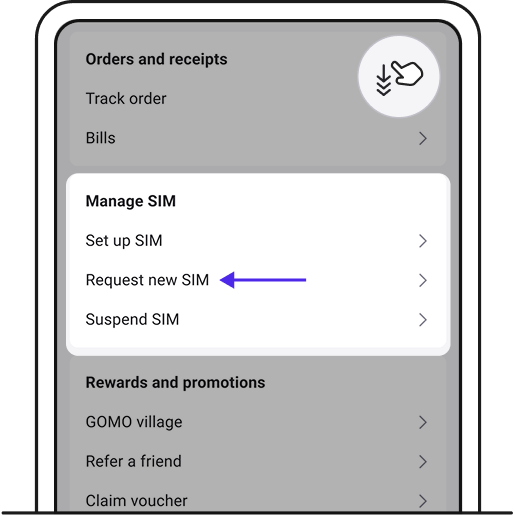
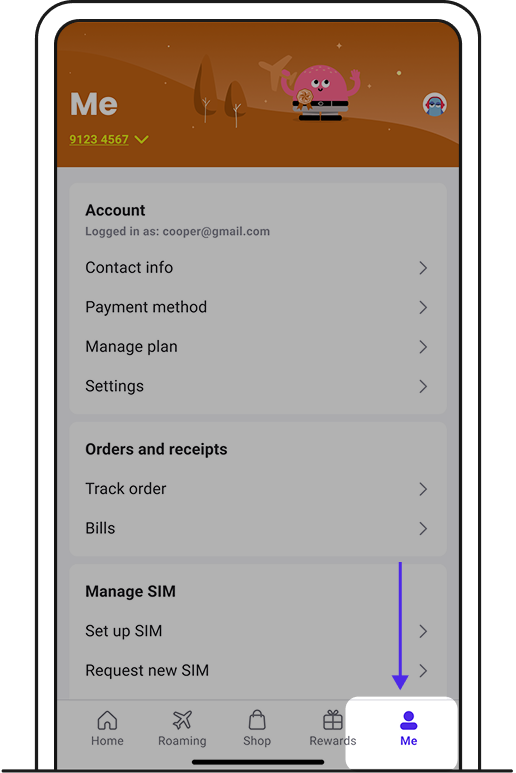
1. Log in to GOMO app with your email. Go to Me tab.
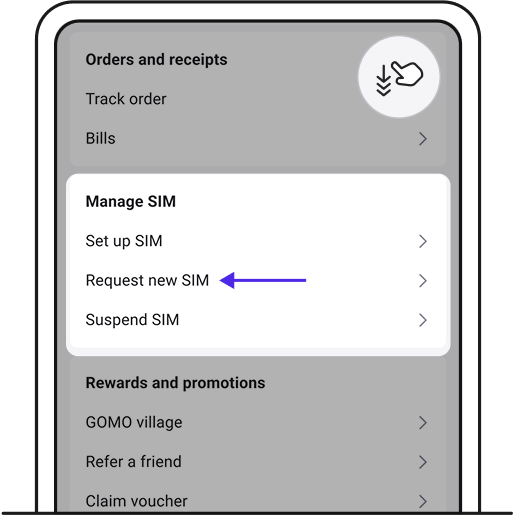
2. Tap on Request new SIM.
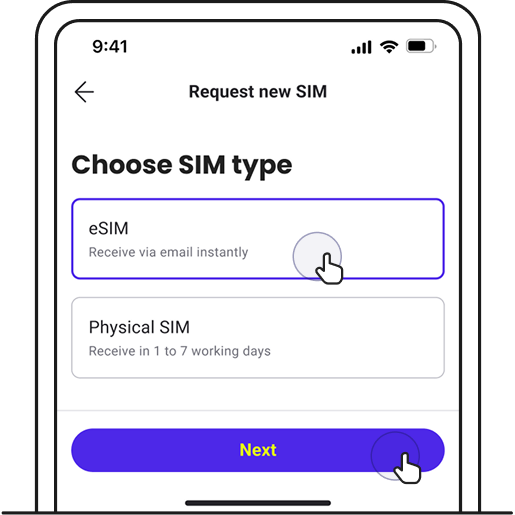
3. Choose eSIM and tap Next.
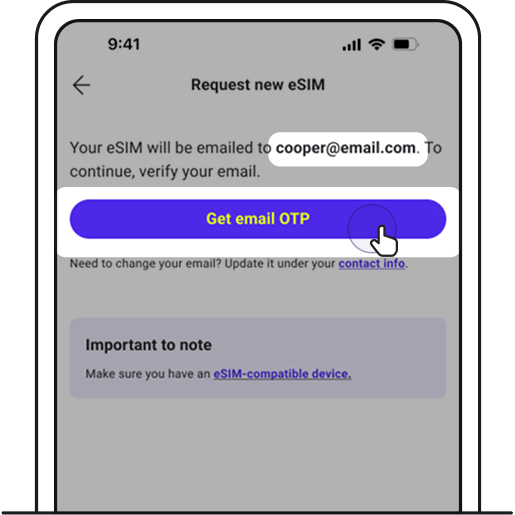
4. Make sure your email is correct and tap Get email OTP.
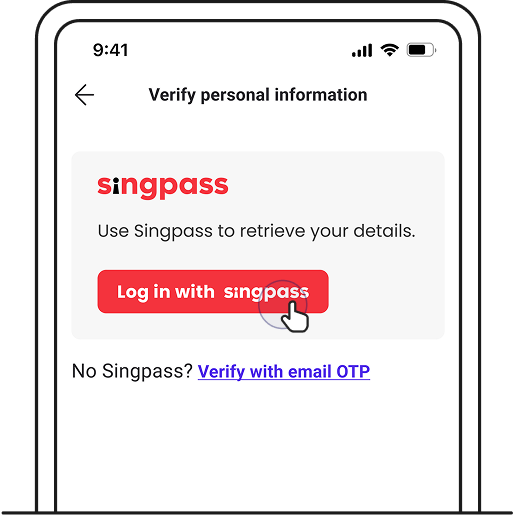
5. After entering your OTP, continue with verification via Singpass.
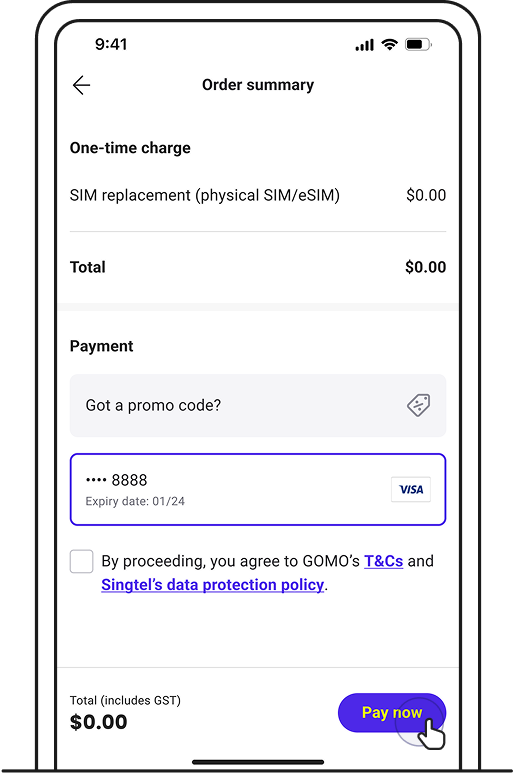
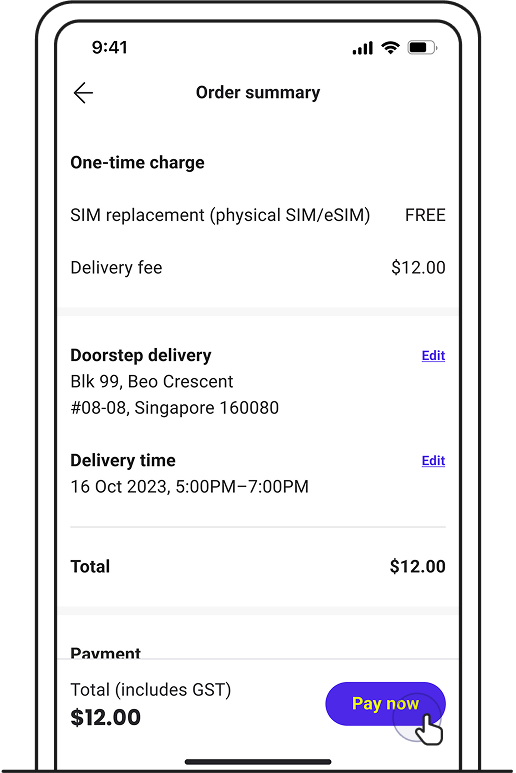
6. Review your details and tap on Pay now. You’ll be redirected to our payment platform to complete the transaction.
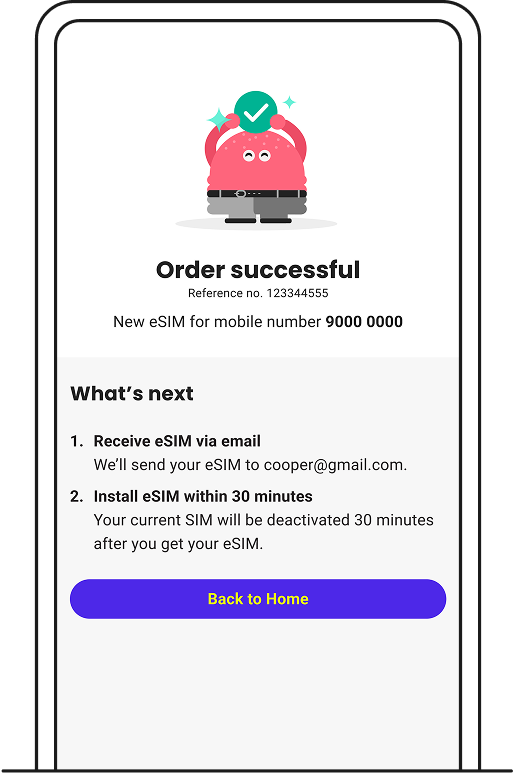
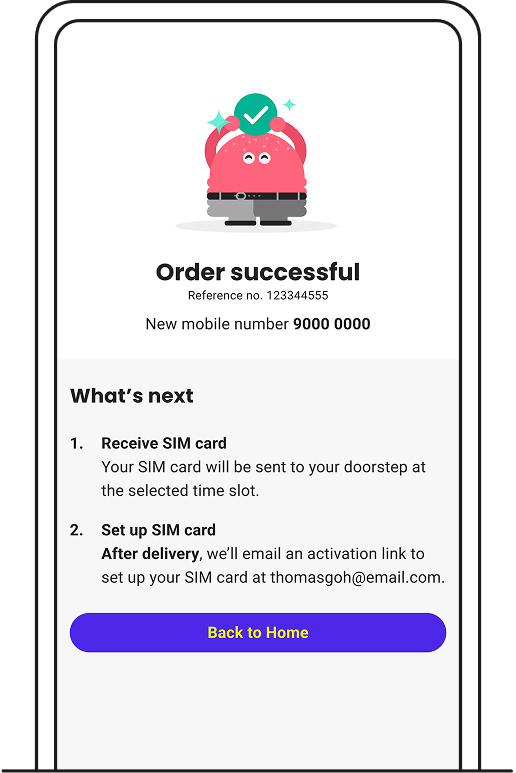
7. Upon order confirmation, you’ll receive an email to install your eSIM.
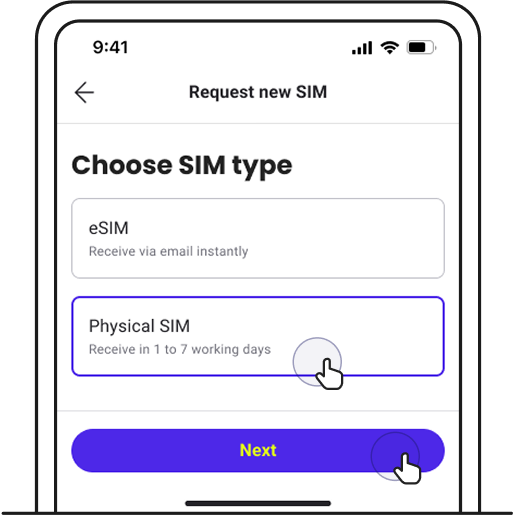
3. Choose Physical SIM and tap Next.
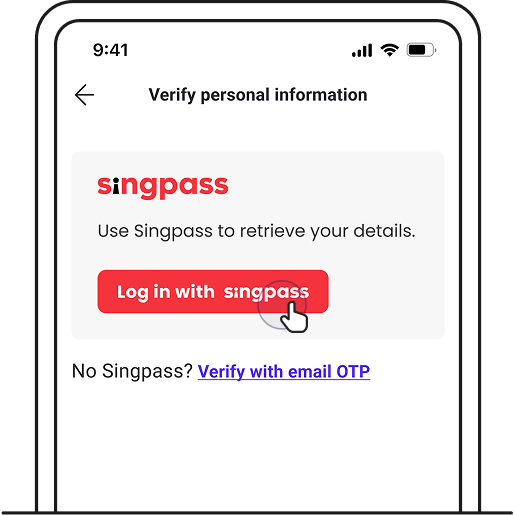
4. Continue with verification via Singpass.
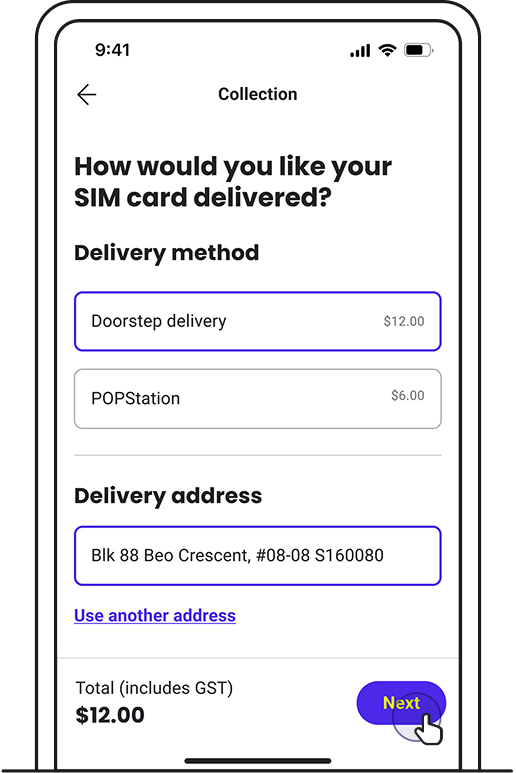
5. Choose delivery method and tap Next.
7. Upon order confirmation, you’ll receive an email with your order details.
Set up SIM card
Ask Zenmo your questions.