Loading...

What’s next after submitting number transfer order

Learn what to expect after submitting an order to port in to GOMO from your current telco.
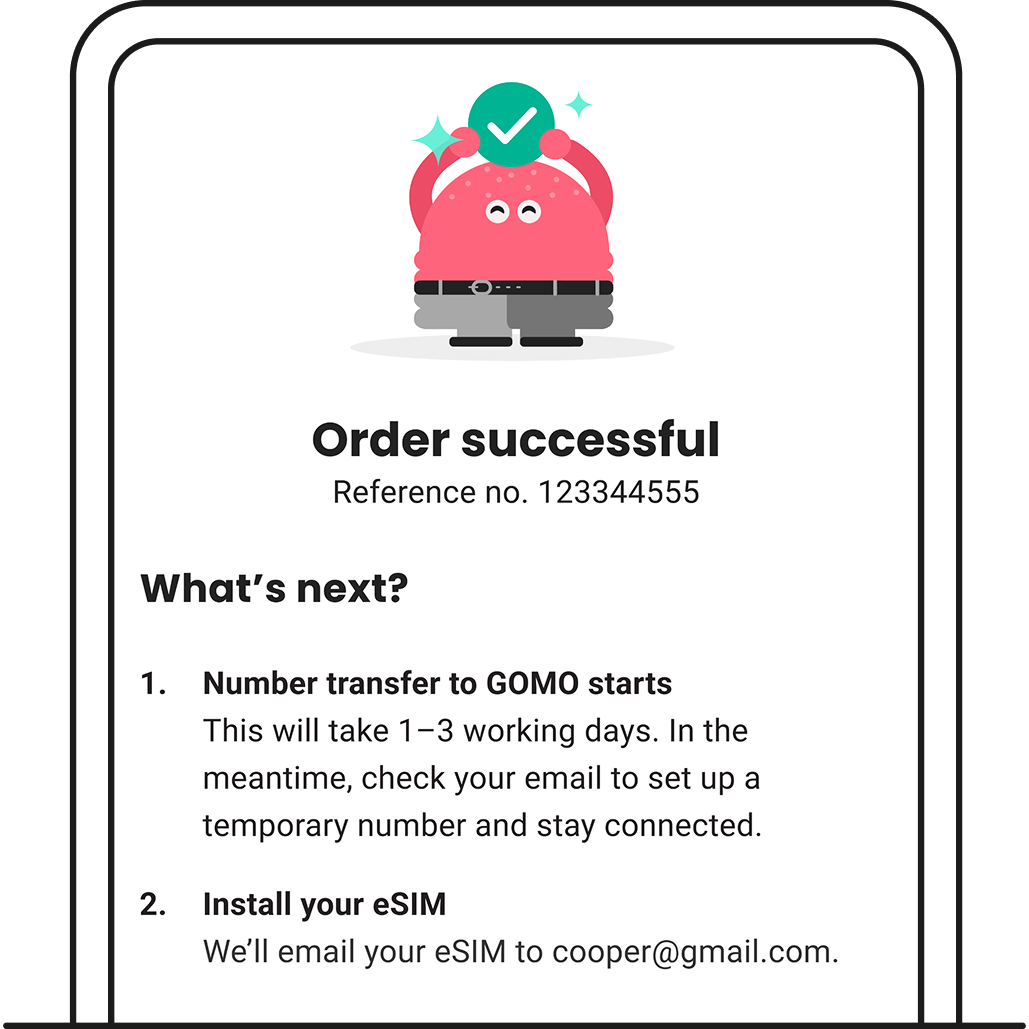
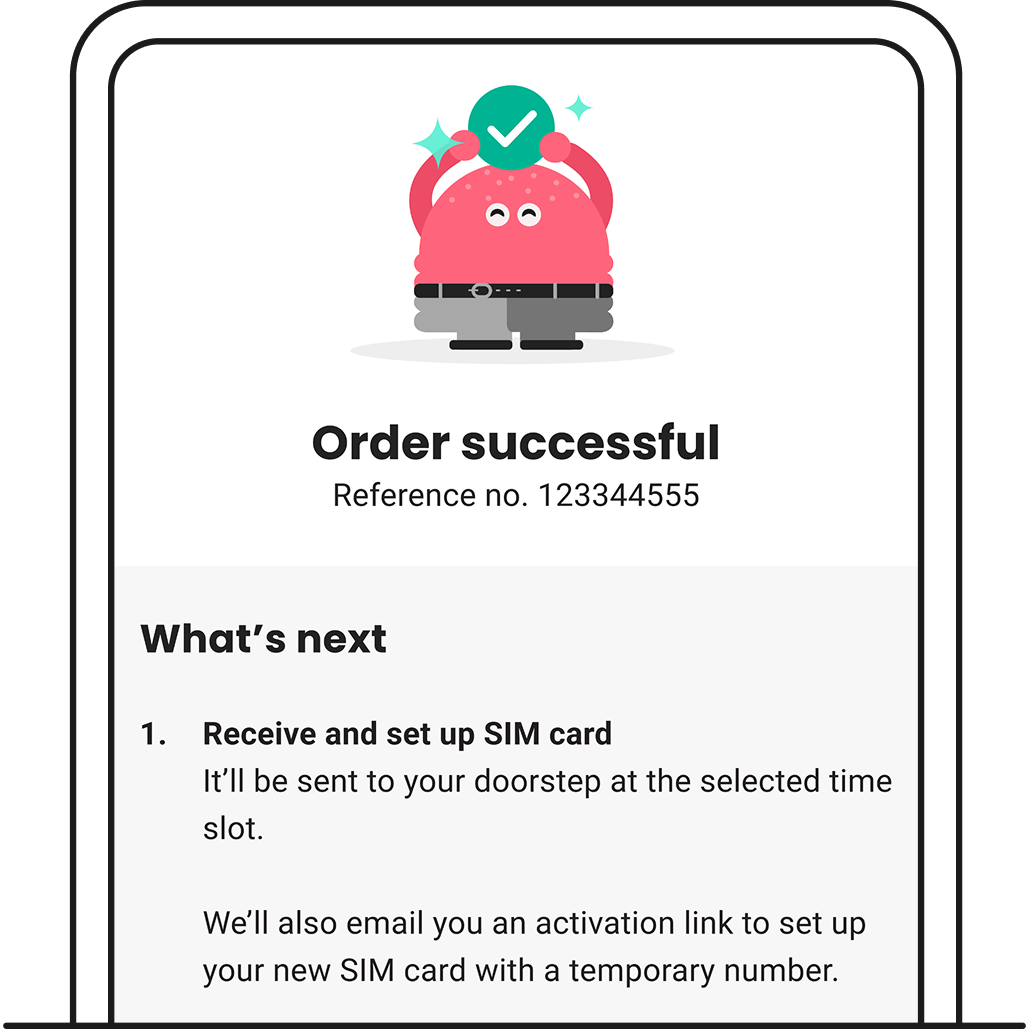
1. After submitting your order, you’ll see an order confirmation.

Your port-in should take 1–3 working days to complete.

eSIM order confirmation screen after submitting number port-in to GOMO.

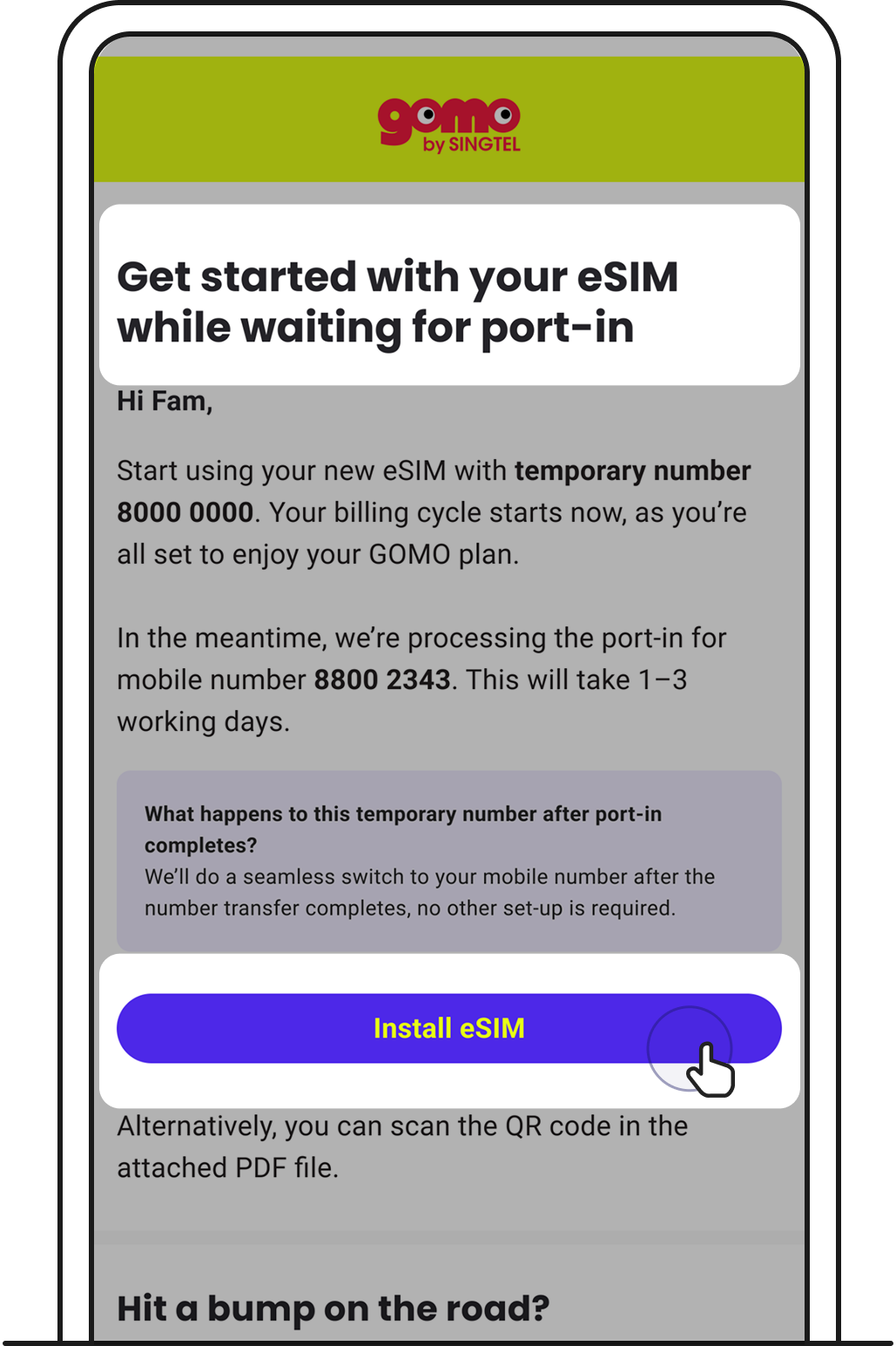
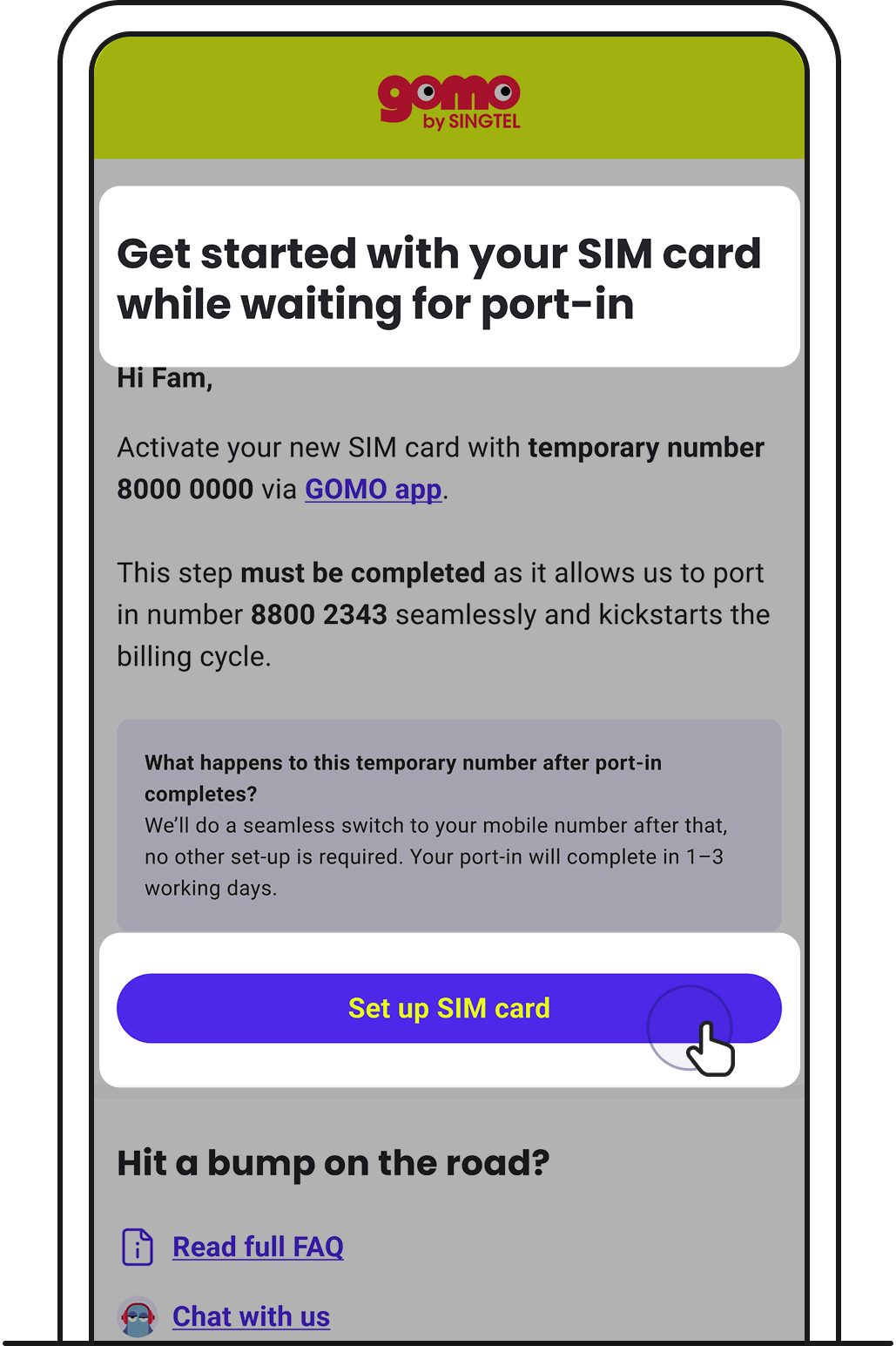
2. Look out for an email to install your eSIM.

While waiting for your port-in to complete, we’ll assign you a temporary number so you can start using your GOMO plan.

Tap on Install eSIM, then go through the steps that follow.

Tap Install eSIM on your email.
Loading screen to install eSIM.
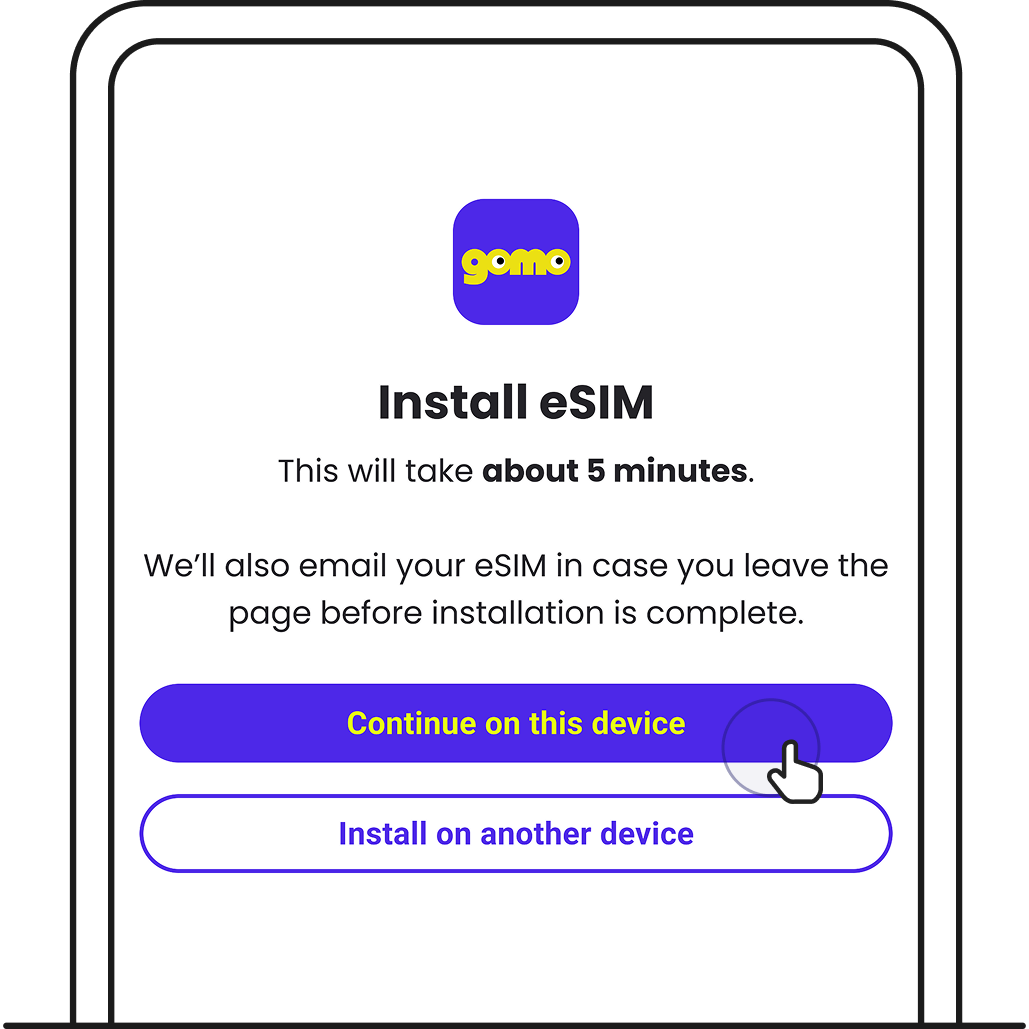
Tap Continue on this device.

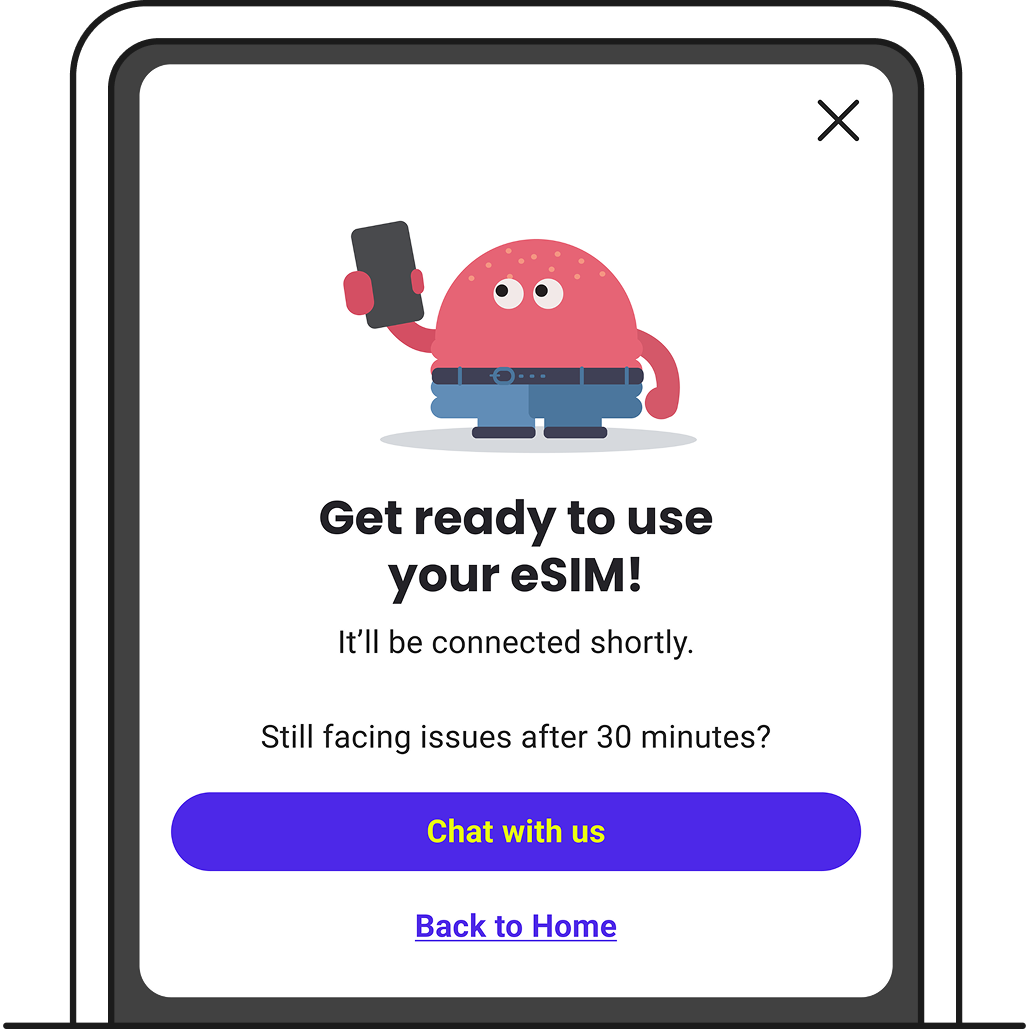
2.1 After eSIM installation is successful, you’ll see this screen.

eSIM installation successful.

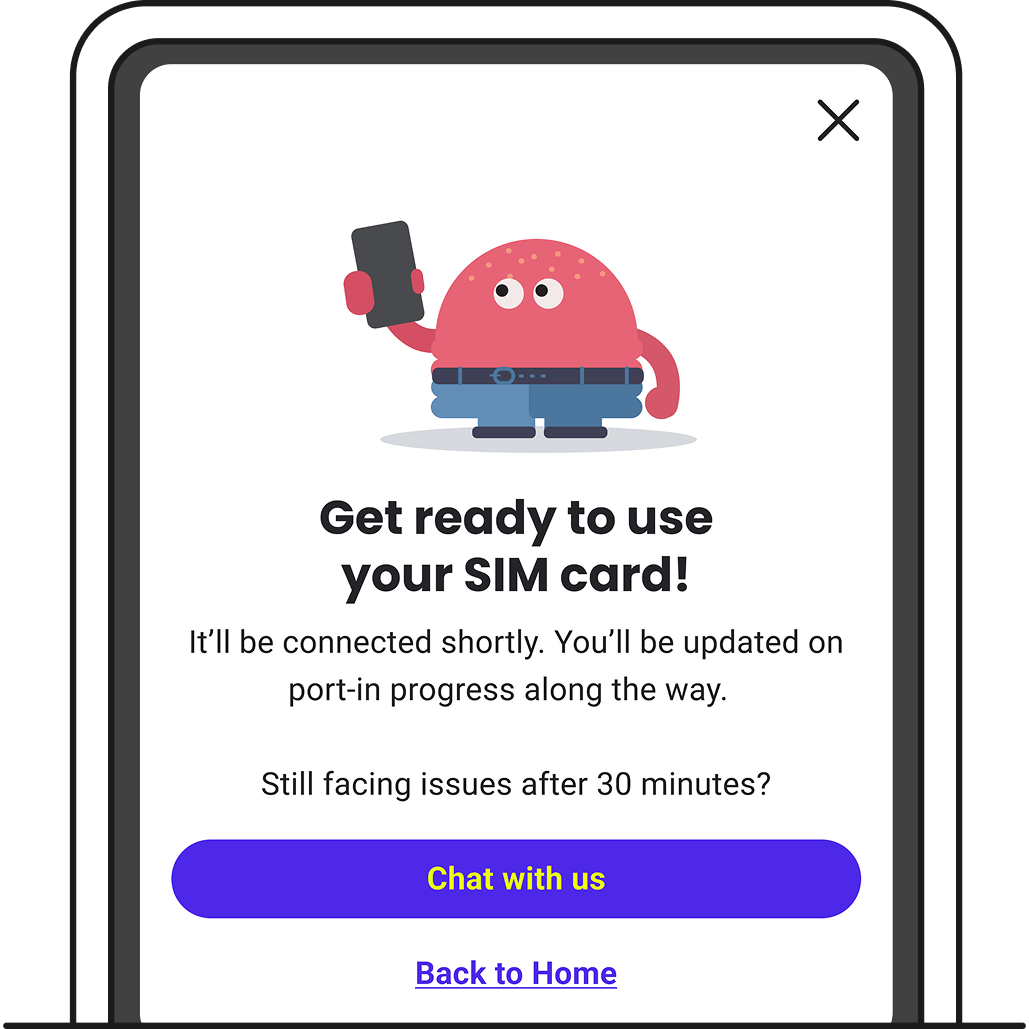
3. In the meantime, we’ll keep you updated on your port-in status via SMS.

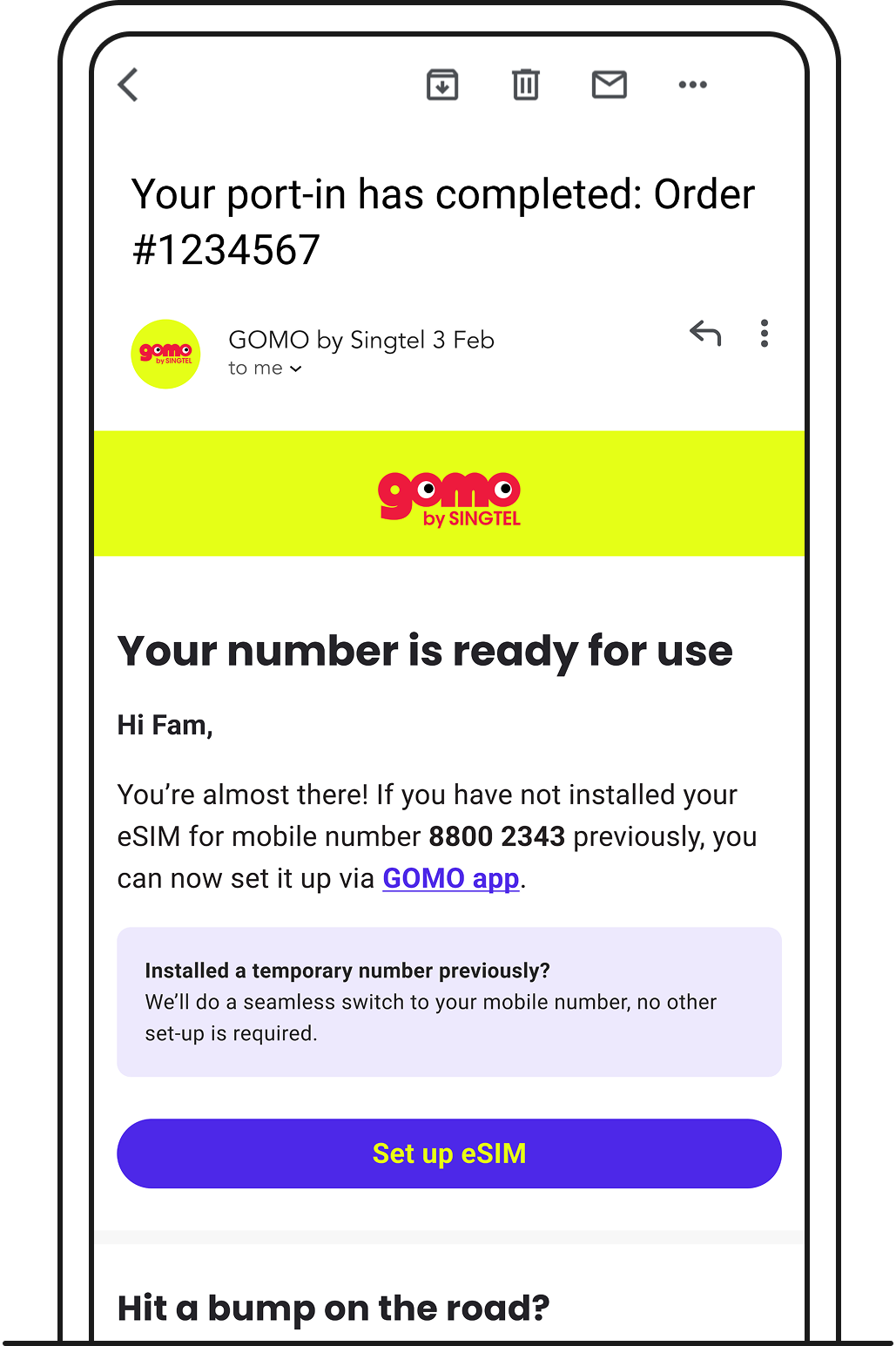
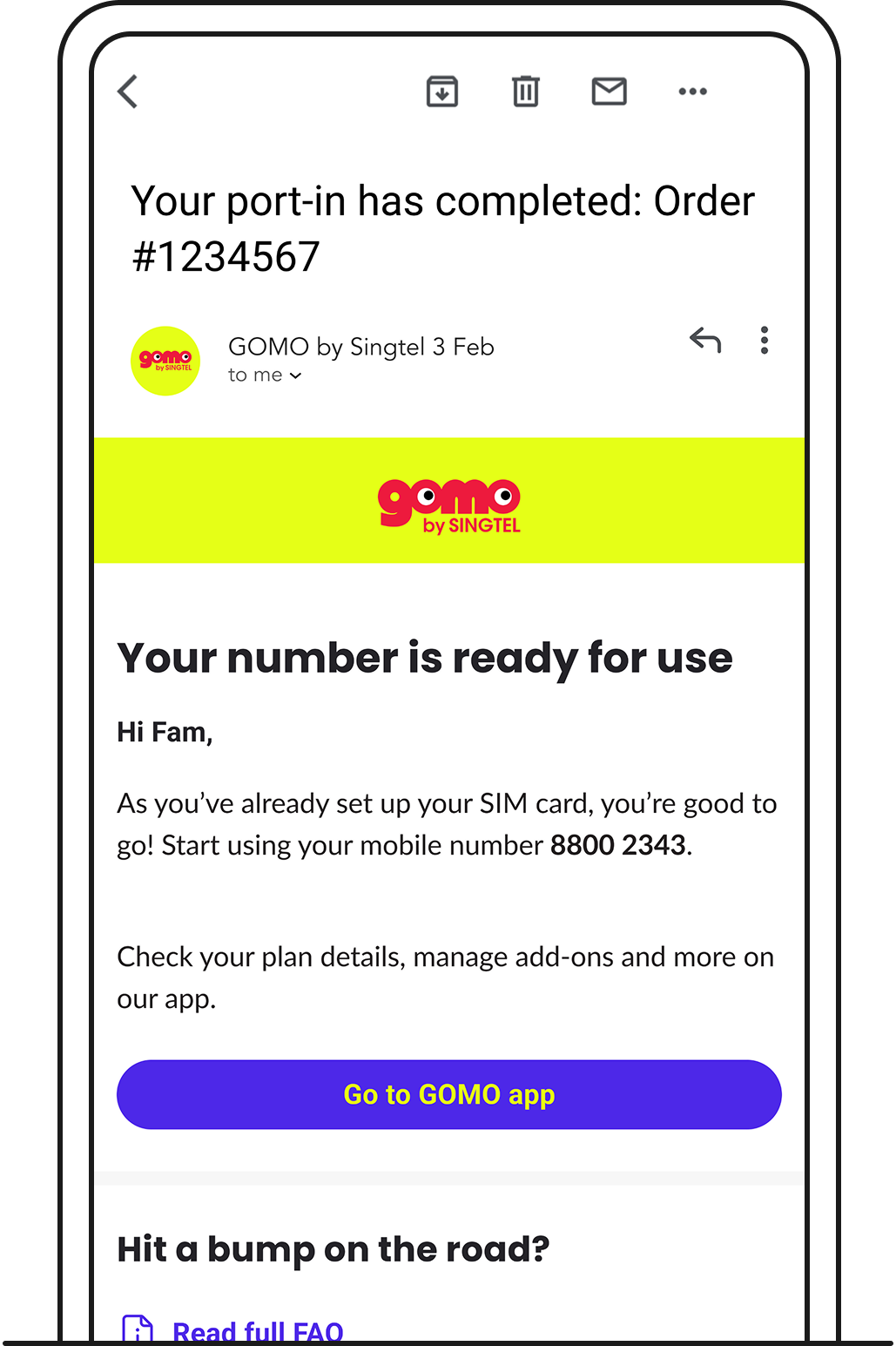
Once port-in completes, you’ll be notified via email.

If you’ve already installed your eSIM in step 2, you won’t need to set up your eSIM again — no further action is needed.

Port-in completion email.

Related articles

Didn’t find what you are looking for?

Ask Zenmo your questions.