Unable to install and use eSIM
Find out how you can troubleshoot the specific issue you’re facing with your eSIM.
Check your junk or spam folders under the email address provided when you made the purchase.
You should receive your eSIM email within 15 minutes after purchase. If you’re still facing issues, chat with us on GOMO app or web.
This happens when your eSIM has been successfully installed, but your line is not activated on your new eSIM yet.
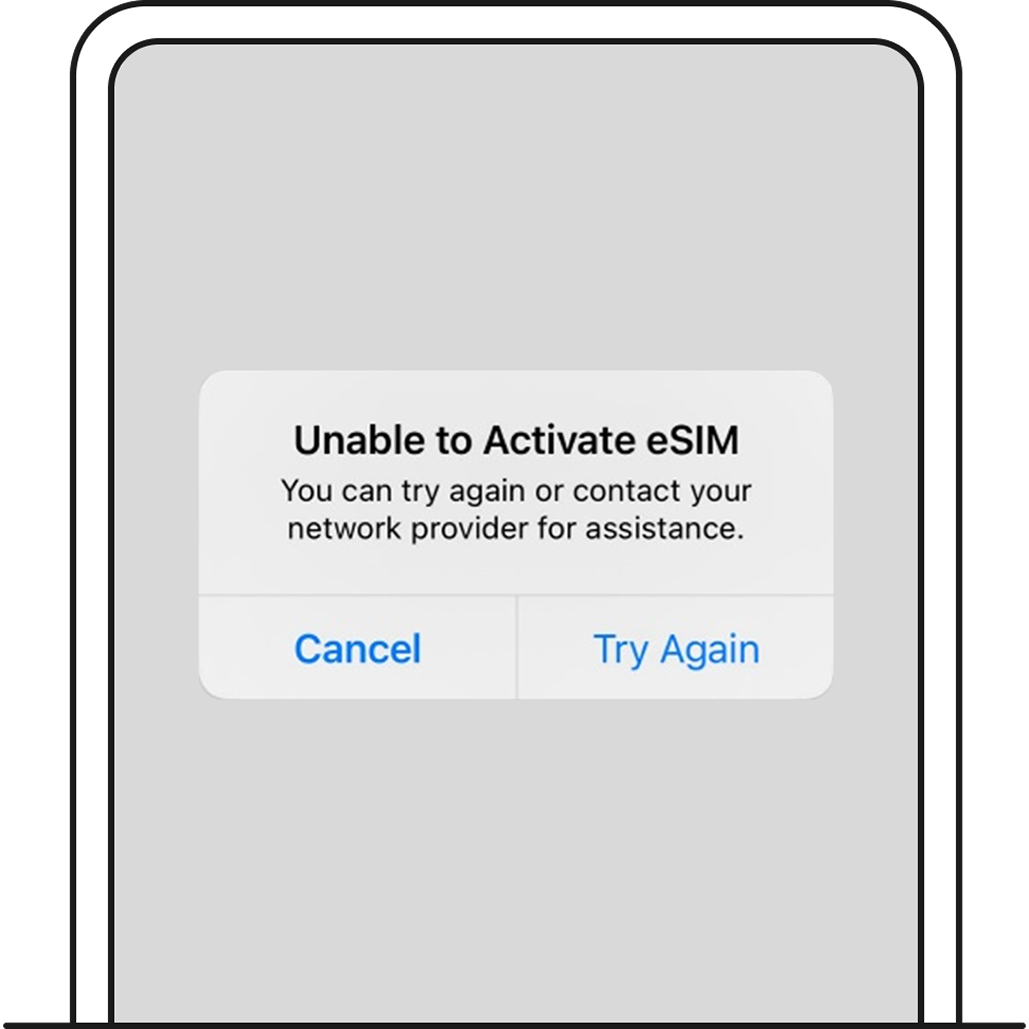
Leave the page first. You can continue using your device while awaiting activation.
When this occurs, your eSIM should display as “Activating” under Settings > Mobile Service.
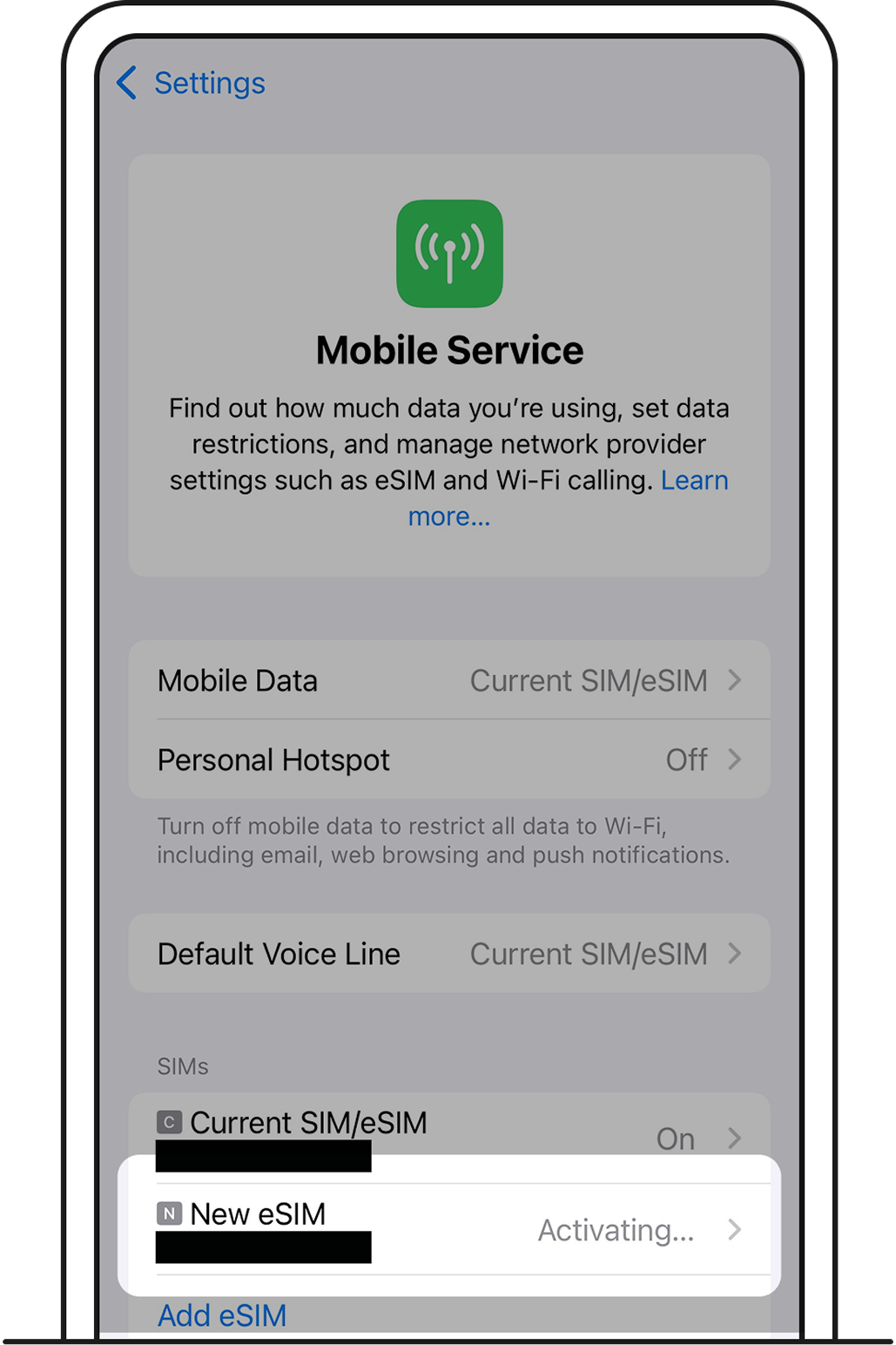
This happens when your eSIM has been successfully installed, but your line is not activated on your new eSIM yet.
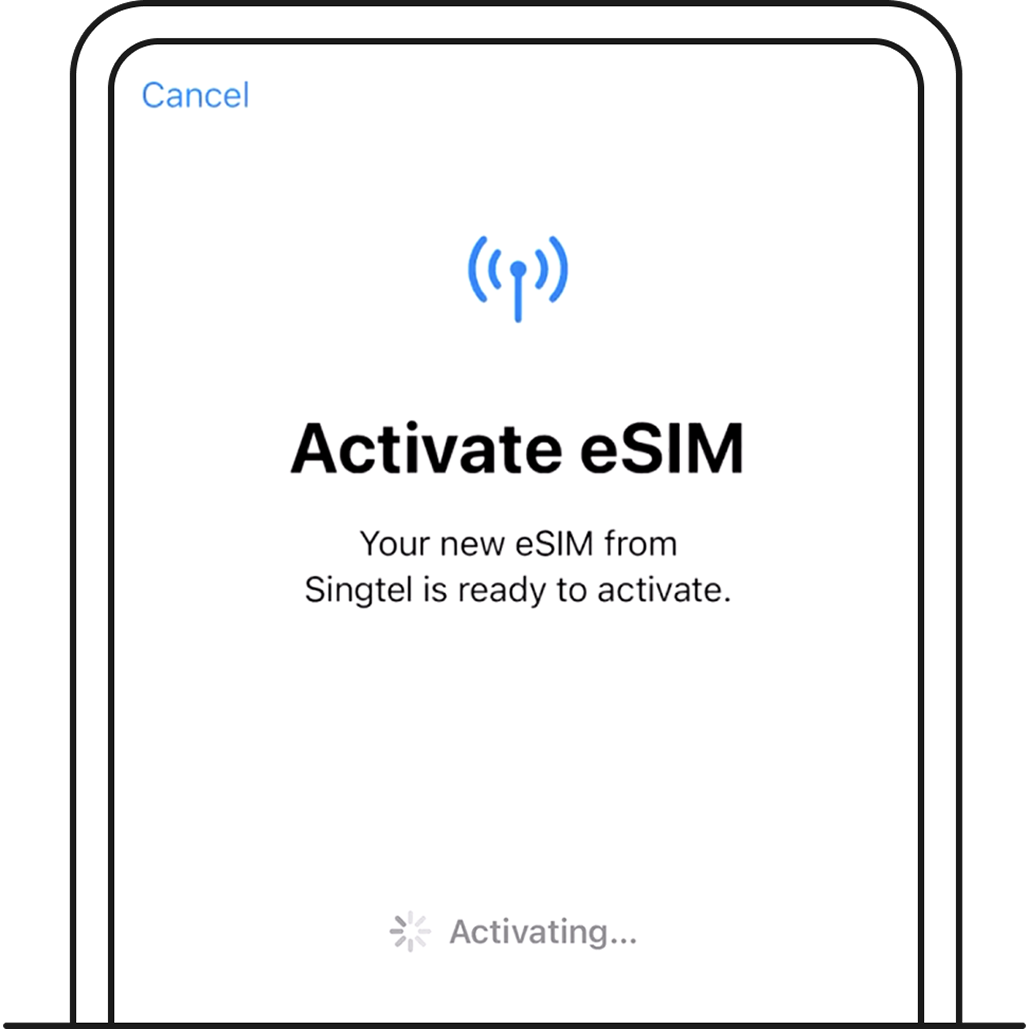
Leave the page first. You can continue using your device while awaiting activation.
When this occurs, your eSIM should display as “Activating” under Settings > Mobile Service.
This happens when your eSIM is already installed on a mobile device, but you’re attempting to install the eSIM again.
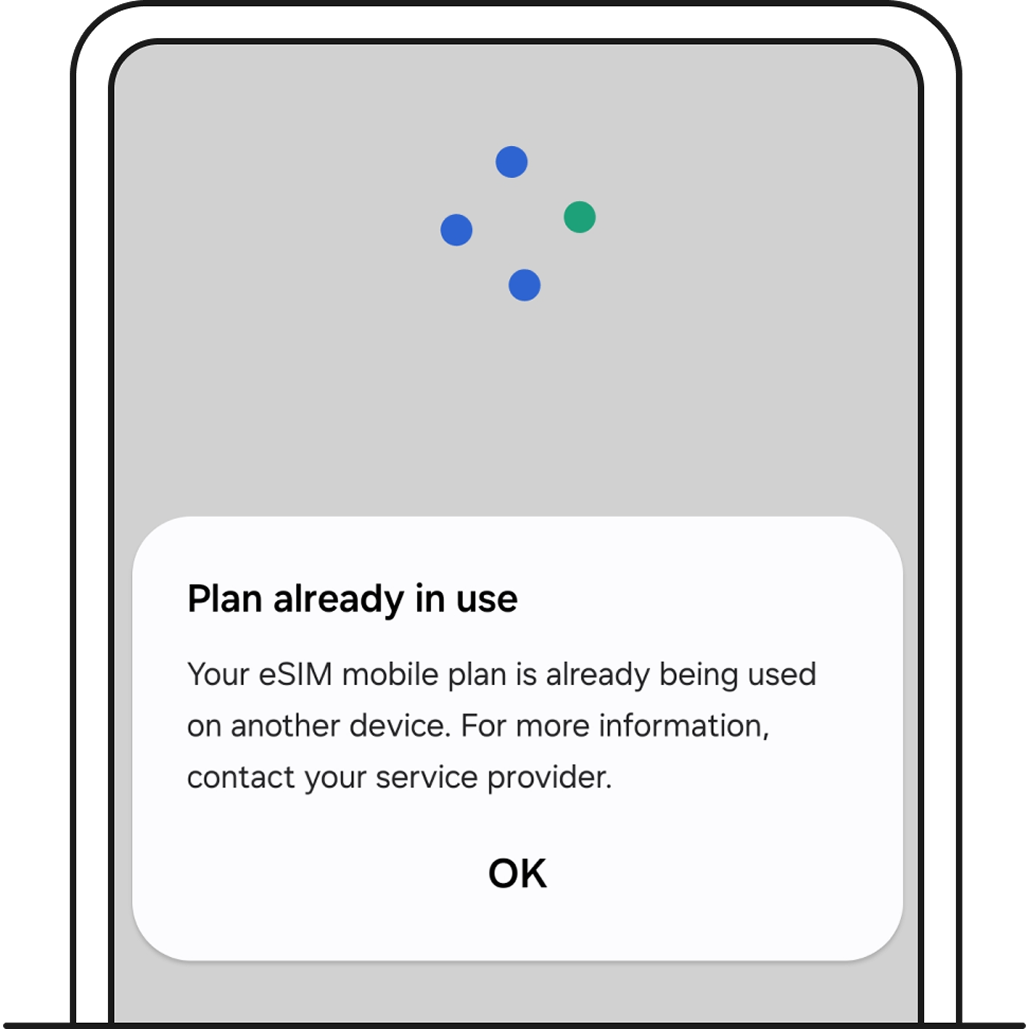
Transferring your eSIM to a new device? Make sure that you’ve deleted the eSIM from your previous device first. Then, install your eSIM on your new device following the instructions in your eSIM installation email.
Follow these steps:
Make sure that the device you are installing your eSIM on is connected to the internet.
Check that your device is eSIM-compatible.
Follow the steps in your eSIM email.
If you’re still facing issues, chat with us on GOMO app or web.
Related articles
Ask Zenmo your questions.