Change payment details
1. Log in to GOMO app > Me.
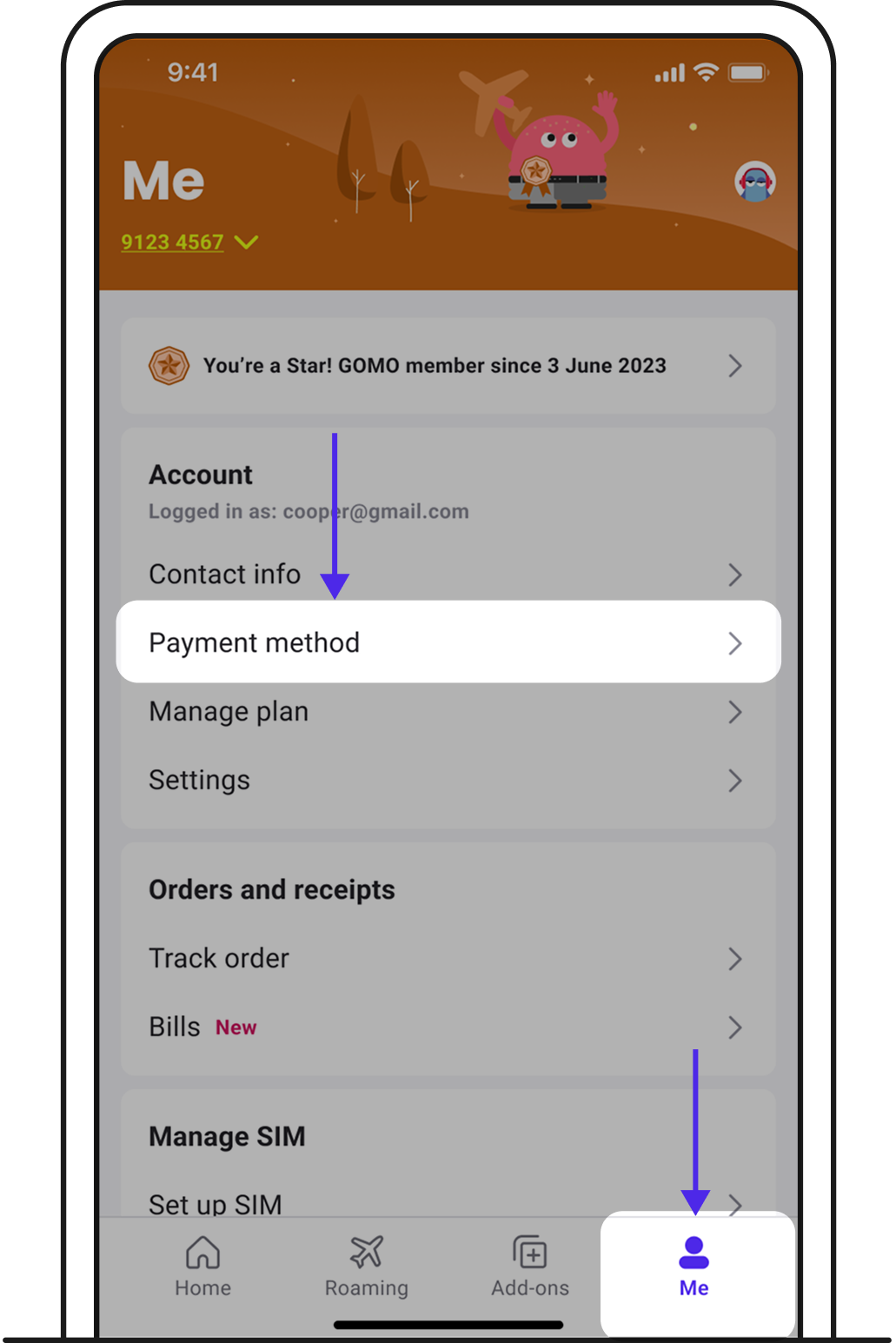
2. Tap on Payment method > Update card.
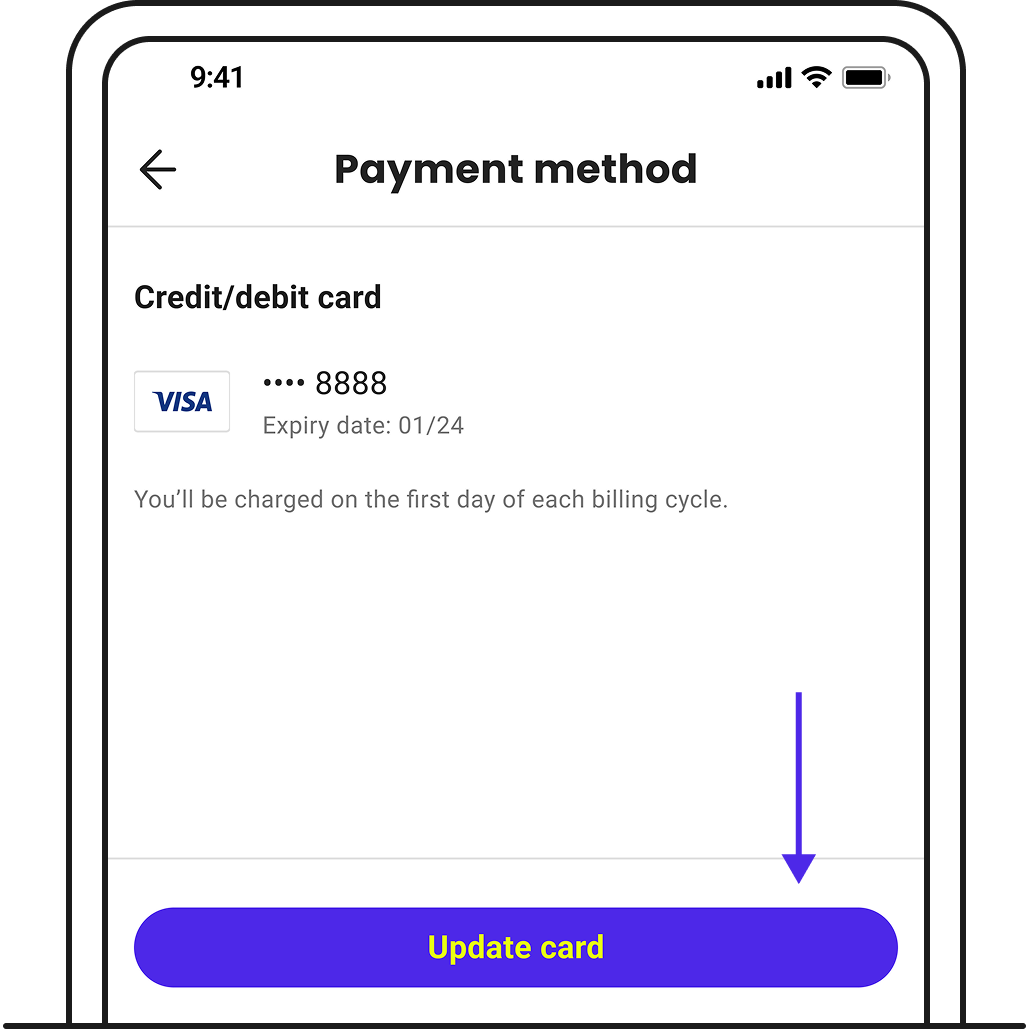
3. You’ll be redirected to another platform to enter your new card details.
4. Once you’ve completed verification, your new card will be updated in your profile.
Related articles
Didn’t find what you are looking for?
Ask Zenmo your questions.