Invite admins to manage GOMOBiz mobile lines
The GOMOBiz account owner can invite others to manage the company’s mobile lines on their behalf.
Follow these steps:
1. Log in to your GOMOBiz account.
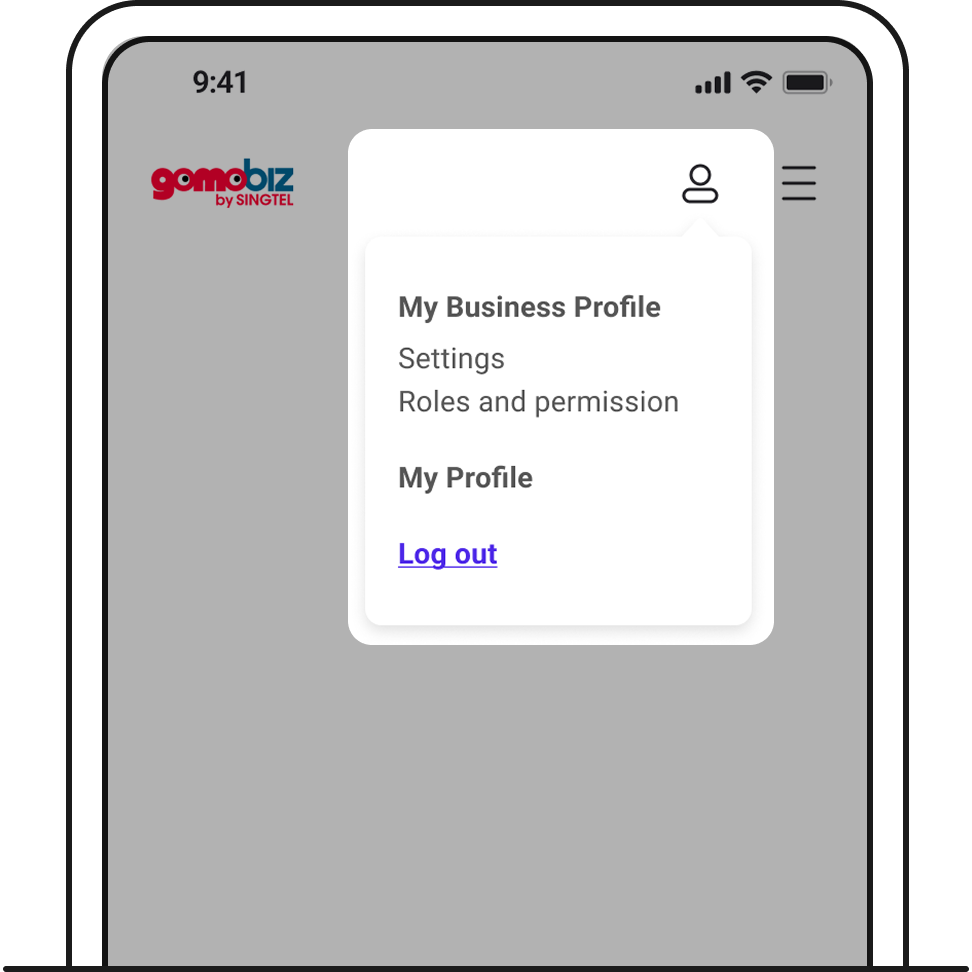
Under your profile icon on the top right, go to > Roles and permission > Invite user.
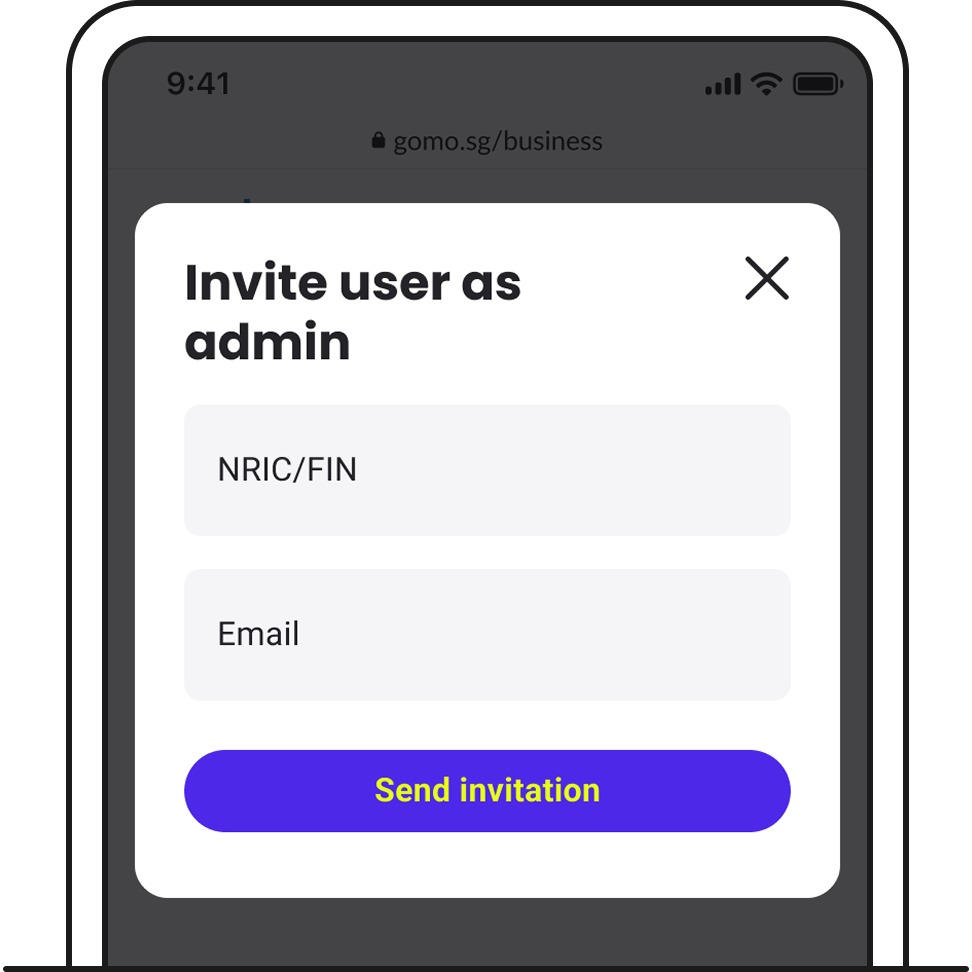
2. Enter the user’s particulars and send the invite.
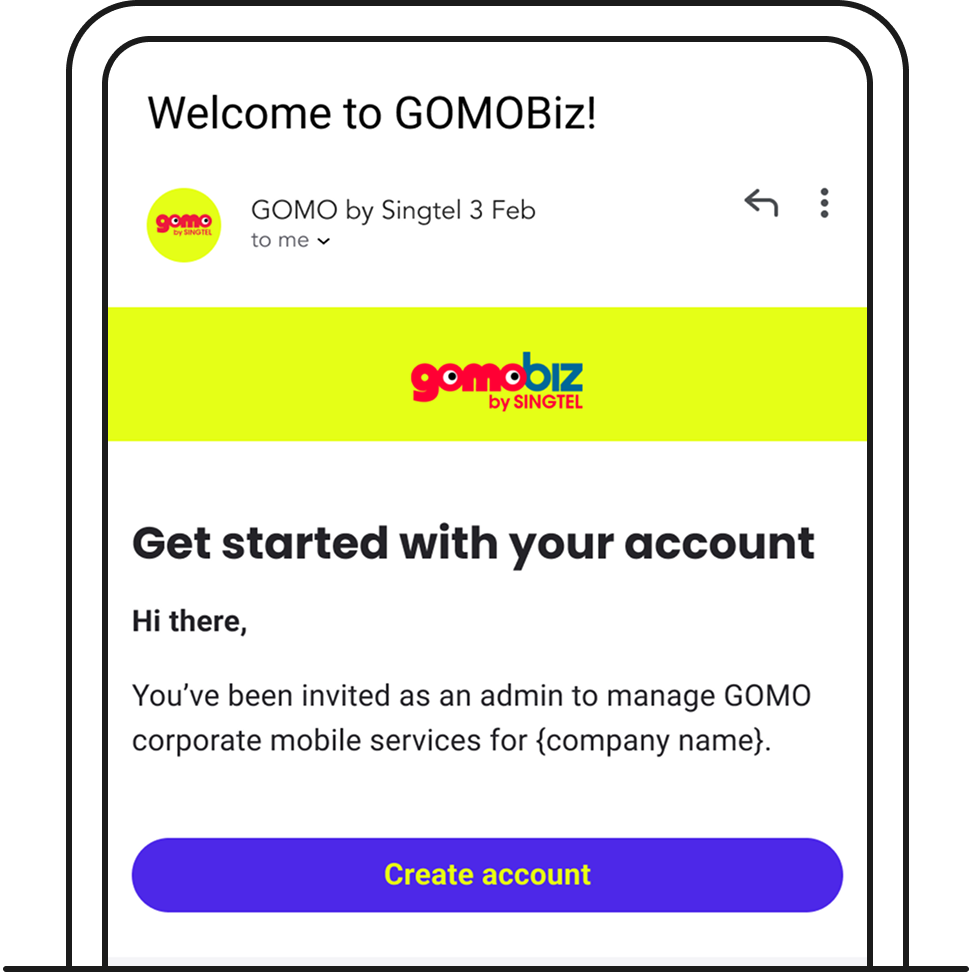
An email invitation will be sent to the user you invited.