Check when GOMOBiz billing starts
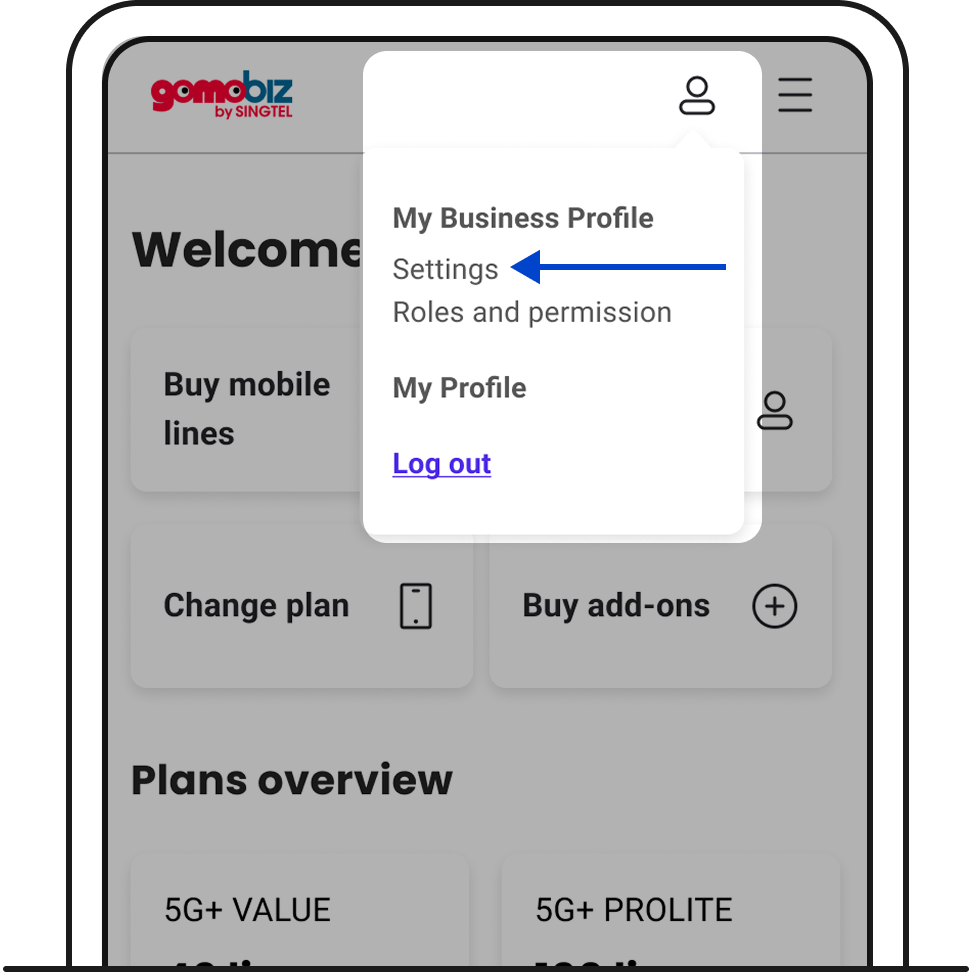
1. Log in to your GOMOBiz account > My Business Profile > Settings.
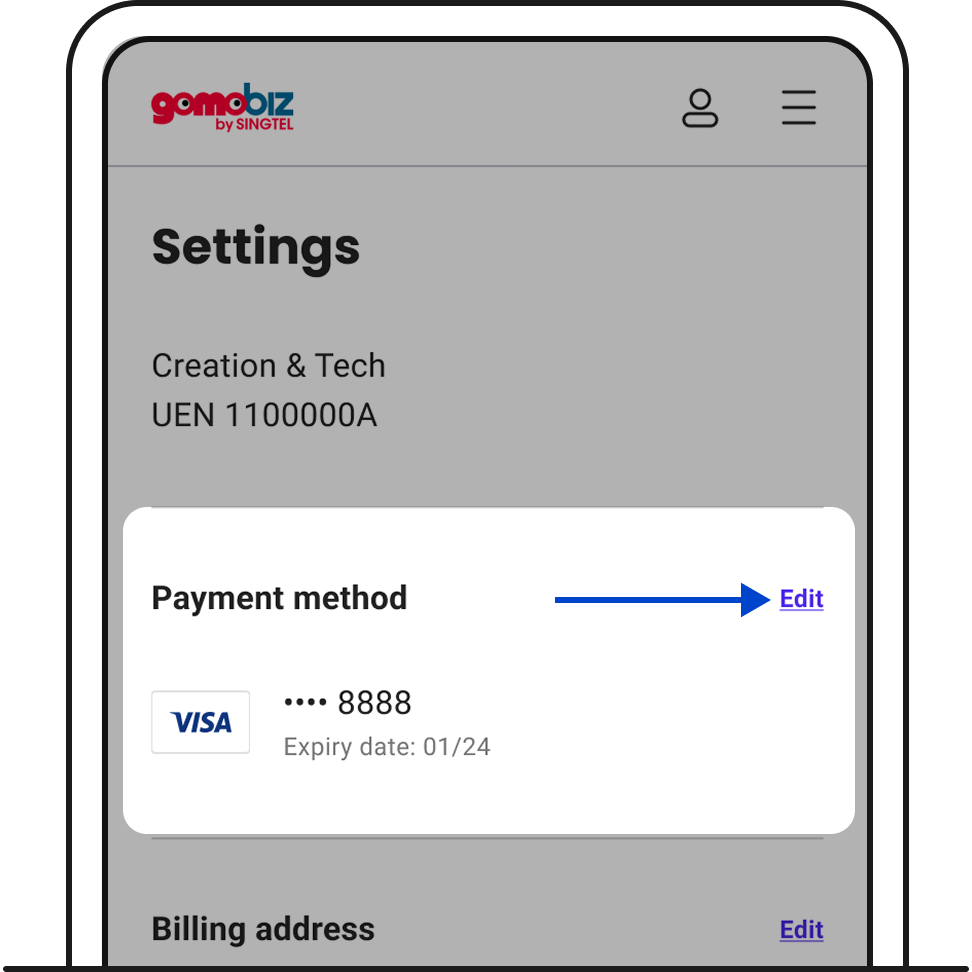
2. Click Edit.
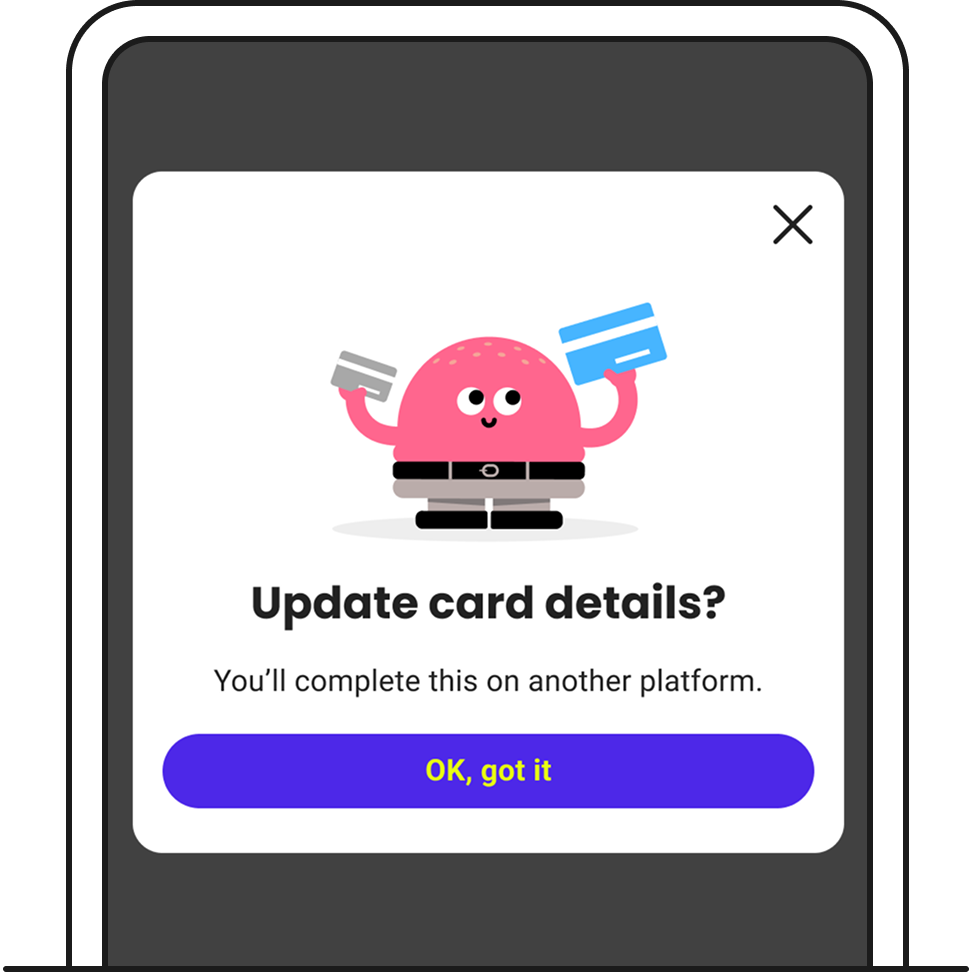
3. You’ll be redirected to another platform to enter your new card details.
4. Once you’ve completed verification, your new card will be updated in your profile.